Microsoft’s New Surface Book 2
Microsoft‘s new Surface Book 2 launched with 13.5-inch and 15-inch models. This article looks back at that launch and the device’s design. It is a historical overview, so buyers should check current software support and hardware condition before choosing one today.
Microsoft’s New Surface Book 2 Design
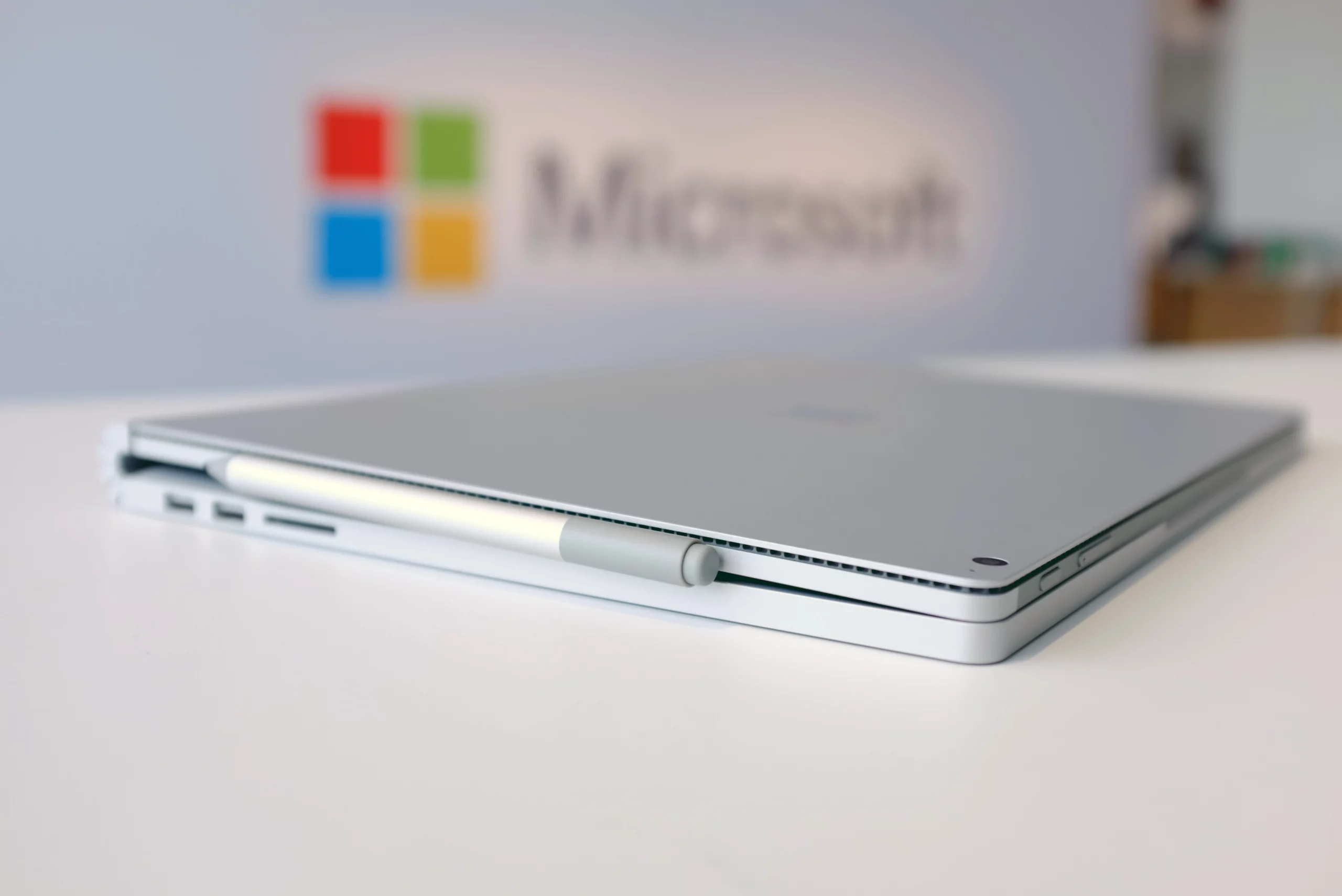
The Surface Book 2 combined a laptop keyboard with a detachable screen. You could use it as a notebook for typing, then remove the screen for tablet tasks. This flexibility was a key part of its appeal.
However, the full device was heavier than the screen alone. The keyboard base also contained hardware and battery capacity. As a result, the way you used it affected both performance and battery life.
Performance Depends on the Model
Microsoft offered different processor and graphics options. Higher-specification models targeted demanding work, such as design and media tasks. Yet not every configuration offered the same performance. Buyers needed to compare the specific model with their software requirements.
Battery-life claims also depended on test conditions. Real use varied with the screen brightness, workload and connected devices. For a used device, battery wear is another factor to check.
Touch, Sign-In and Connections
The device supported touch input and Windows Hello facial sign-in. It also used a Precision touchpad. These features gave users several ways to interact with Windows.
USB-C added options for compatible displays, storage and other accessories. For example, a suitable adapter could connect an external monitor. Check the adapter and device requirements before buying: a USB-C connector alone does not guarantee every display or charging feature.
Choose Hardware for Your Workload
At launch, the Surface Book 2 was a premium device. Basic Office work did not always justify a higher-specification model. In contrast, design or engineering software could benefit from stronger hardware, depending on the application.
If you are an IT administrator reviewing business devices, list the software, ports and support needs first. Then compare suitable configurations and the full cost of ownership. For older hardware, include operating-system support, repair options and battery condition in that review.
Original Launch Coverage
The original article referenced this contemporary coverage:
http://www.zdnet.com/article/with-surface-book-2-microsoft-shows-off-its-vision-of-the-pcs-future/